iOS & Android app

GO Photobooth

Your phone becomes the camera. Turn any devices into a professional photobooth, no accounts, no cloud, just seconds to set up.
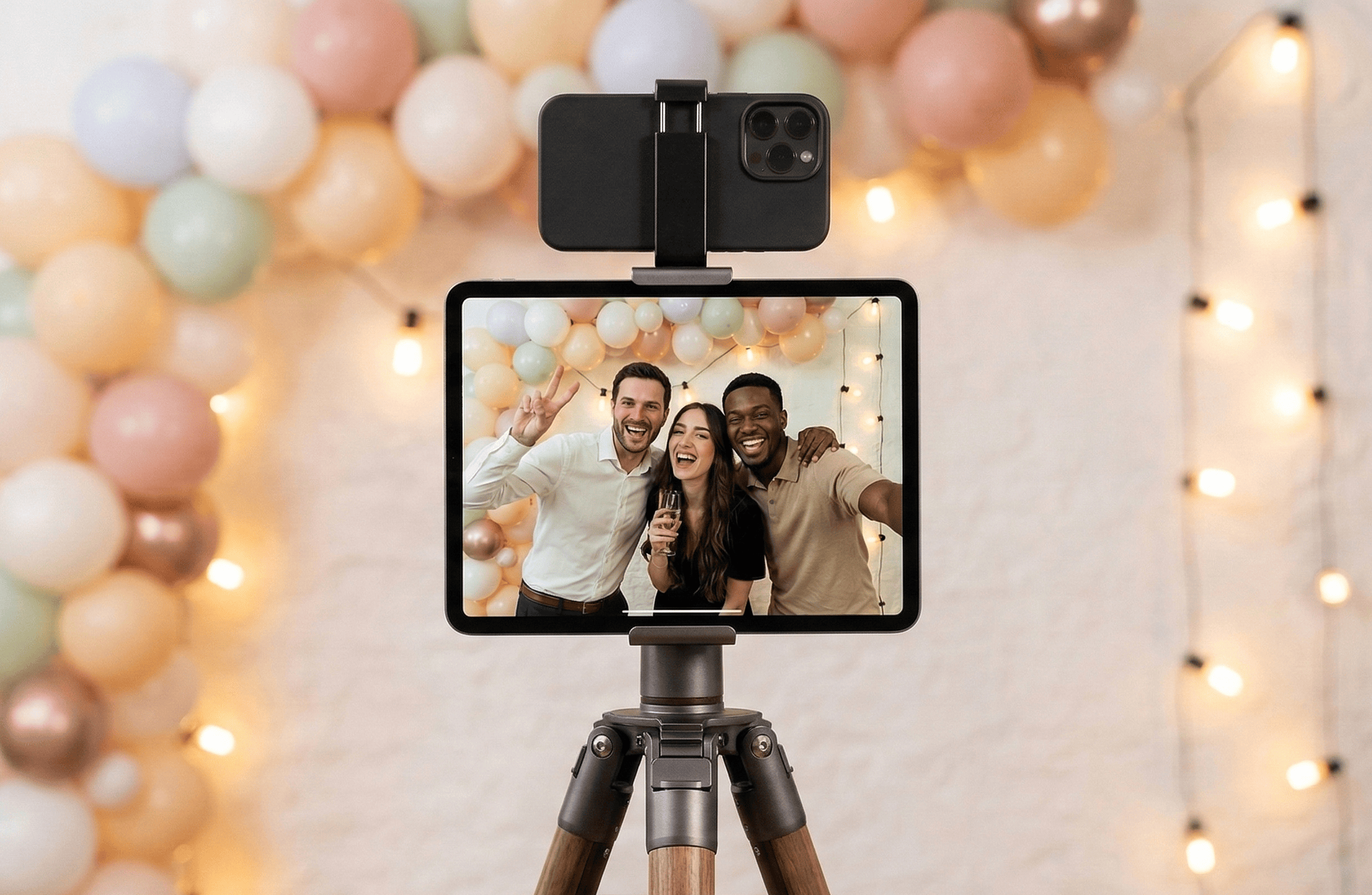
Atmosphere shot: tablet showing the GO Photobooth interface at an event, with a smartphone beside it acting as the camera

Everything you need for your events

Built to be effortless, privacy-first, and professional in every result.

Simple & instant

No account to create. Open the app and start capturing. Ready in just a few seconds.

Privacy guaranteed

Photos stay on your devices. No server, no mandatory cloud. You retain complete control.

Pro printing

Print straight from AirPrint (iOS). Multiple formats, customizable layout, live preview before you print.

Flexible & adaptable

Solo mode, Companion mode with two devices, customizable themes, and support for external cameras.

Two modes, one goal

Tailor GO Photobooth to your setup. One device or two, everything works seamlessly.
1
Tablet = main screen
Use a tablet as the photobooth's main display. Its large screen is ideal for welcoming guests.
2
Phone = camera
A second device (smartphone) becomes the camera. Position it facing guests for higher photo quality.
3
Connect with a QR code
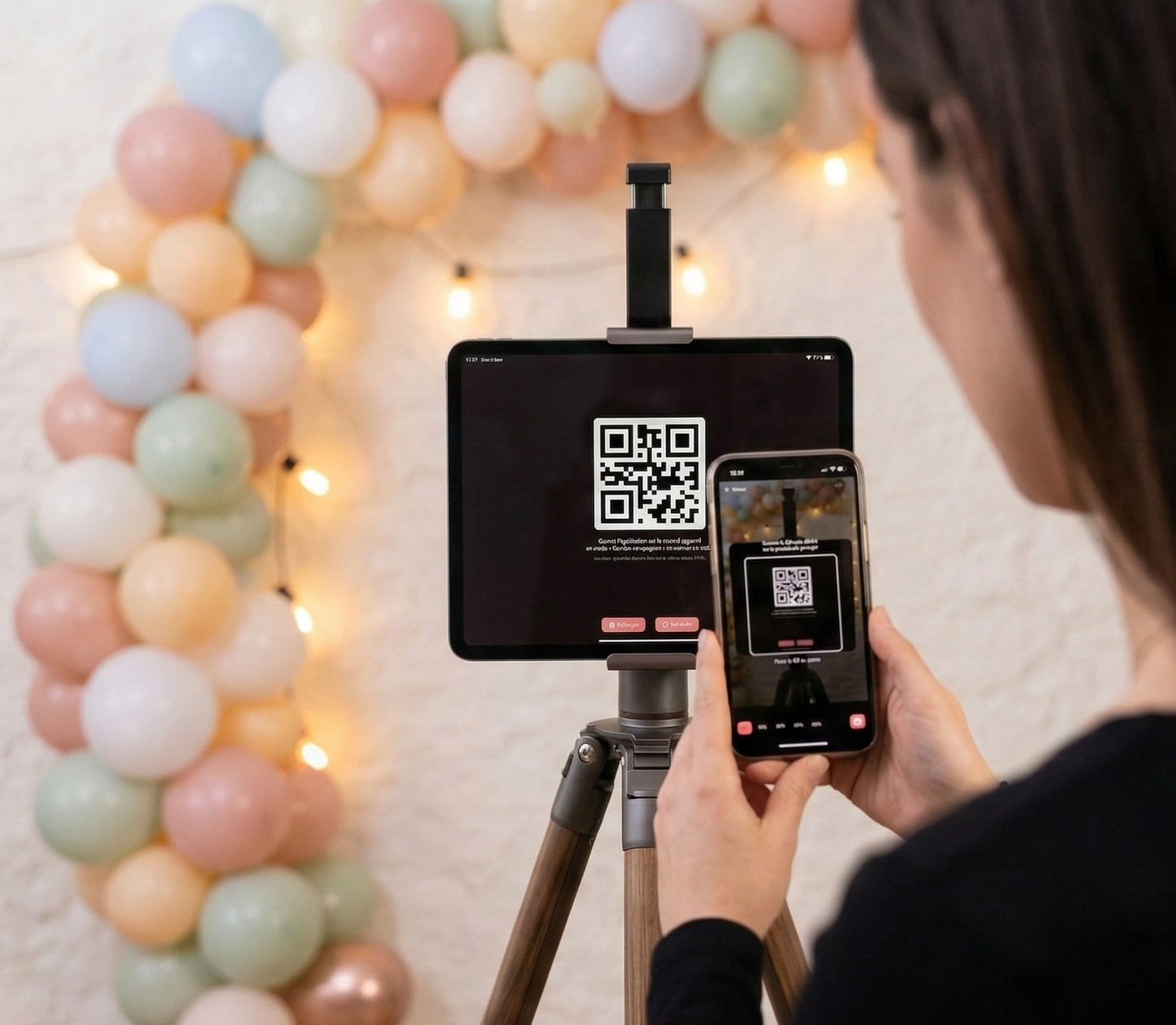
Scan the QR code shown on the tablet from the camera phone. The devices pair over the local Wi-Fi network.
4
Live preview, high-quality photo
The tablet displays the live view from the camera. The final photo is captured in full quality on the phone, then transferred.
5
Controls on the companion
From the camera device you can toggle flash, flip to mirror mode, or tweak settings without touching the main screen.
We recommend a tablet as the main display to give guests the best experience during your events.
Photo showing a tablet with the photobooth preview and a smartphone acting as the camera, linked by a QR code

Two devices, one smooth experience

Pair a tablet (main screen) with a smartphone (camera) for a professional photobooth setup.
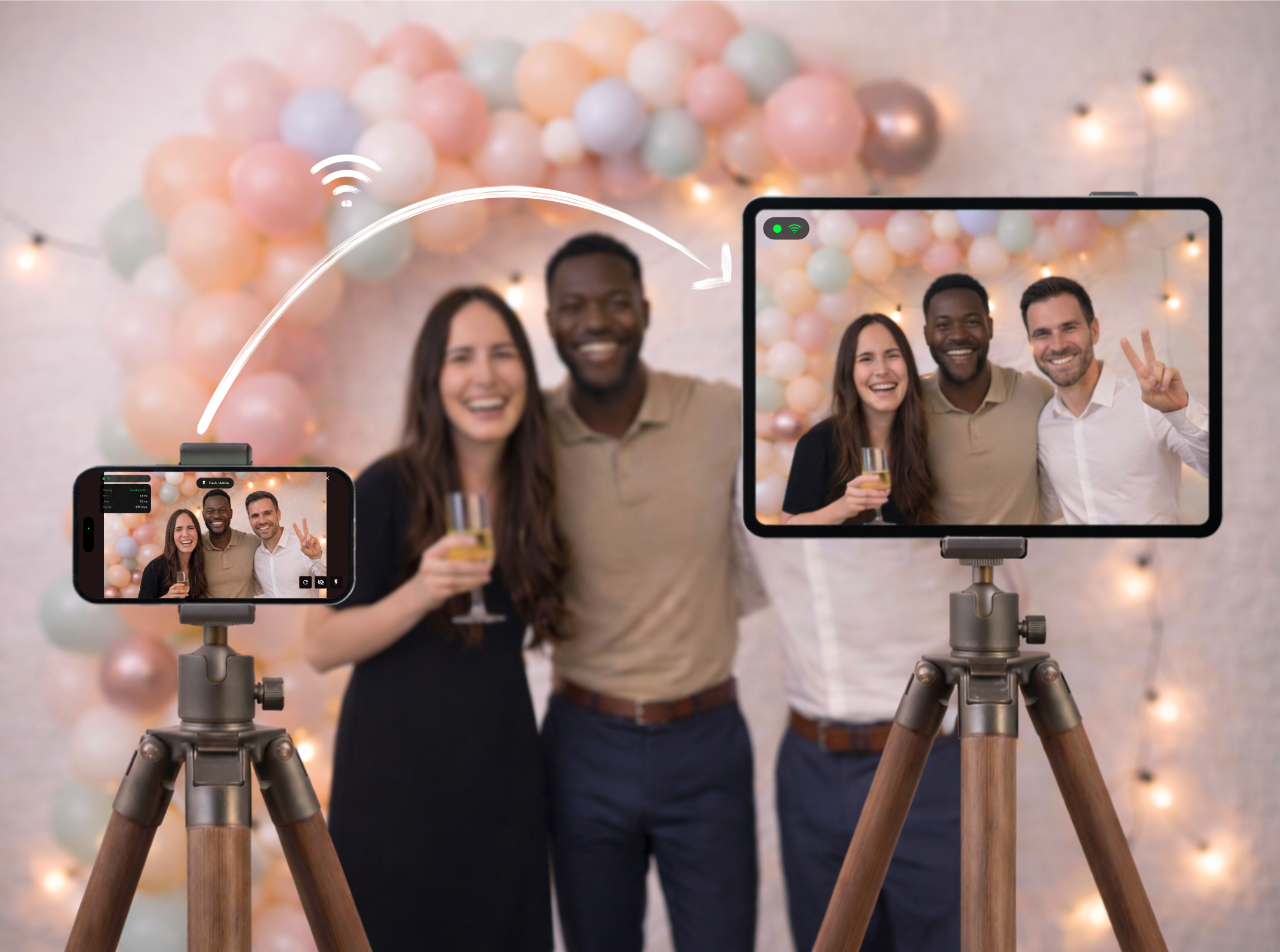
Illustration showing two connected devices: a tablet displaying the photobooth preview and a smartphone in camera mode with a signal strength indicator
Instant pairing via QR code
Scan the QR code shown on the main screen from the camera device. No complicated setup needed.
Local network only
The two devices talk directly over your local Wi-Fi. No internet required, your data stays with you.
Live preview
The main display shows in real time what the companion camera sees, so guests can frame themselves before the shot.
High-quality capture
The photo is taken at full resolution on the camera device, then transferred to the main screen. No compromise on quality.
Signal quality indicator
A real-time indicator shows the connection strength between the devices so you stay in control throughout the event.

Polished prints in an instant

Pick your format, personalize the layout, and print straight away. Guests leave with a tangible memory.

A4A510 × 15 cmPostcardCustom
  • Single or double photo layouts
  • Adjustable margins and spacing
  • Customizable text and date on prints
  • Live preview before printing
  • AirPrint compatible (iOS)
  • Email directly from the app
  • Auto-save to the device
Our recommendation
Canon SELPHY

Excellent value for compact, durable photo prints, plus competitive print speed for this price range.
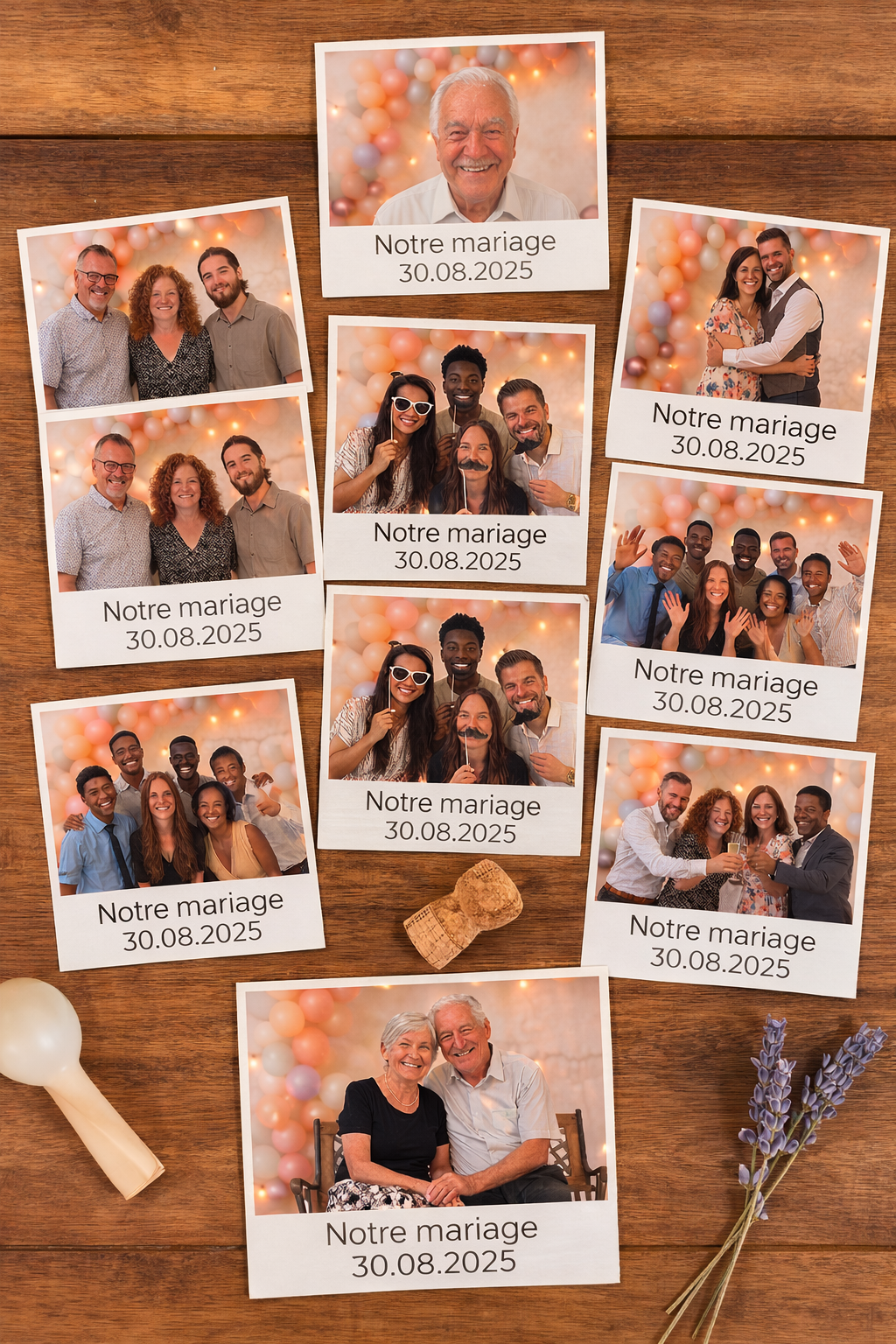
Printed layouts: single photo sheet and double photo sheet with personalized text and date

Your photos, your data. Period.

GO Photobooth is built on one principle: your photos belong to you and never leave your devices without your permission.

No account required

Open the app and use it right away. No sign-up, no email, no password.

Photos stored locally

All photos remain on your devices. Nothing is sent to an external server. You decide what happens next.

No internet needed

Companion mode works over the local Wi-Fi network. The app doesn’t need an internet connection to run.

You stay in control

Printing, email sharing, saving: every action happens when you choose it. No data is collected automatically.

Peace of mind throughout the event

Protect your settings and device so nothing can be changed by guests during use.

Settings locked by biometrics

Enable biometric locking (Face ID, Touch ID, or fingerprint) so only you can open the app’s settings. Guests use the photobooth but cannot alter anything.

Locked app mode

On iOS, use Guided Access to pin the device to GO Photobooth. On Android, use Screen pinning. Nobody can leave the app without a code, ideal for unattended setups.
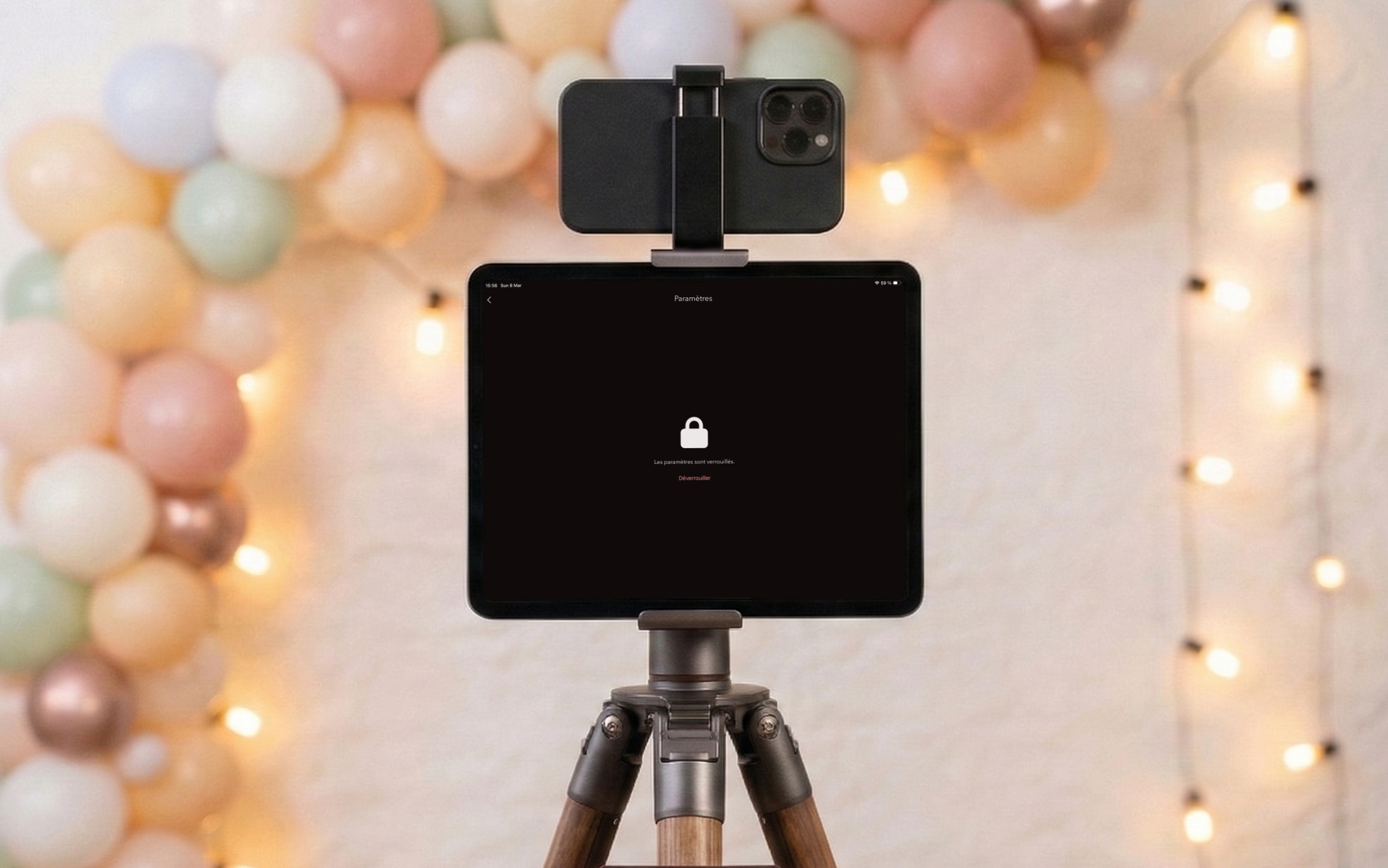
Illustration showing a locked screen with a biometric icon (Face ID / fingerprint) and a padlock in an event setting

A theme that reflects you

Change the accent color to match your event. Light, dark, or automatic mode. Try it here: the whole site updates live.

Primary
Light
Tinted background
Alt

Free and fully featured, no compromises

GO Photobooth works entirely in the free tier. Upgrade to Premium only to remove the watermark.

Free
Forever, no limits
€0
no commitment
  • All features
  • Companion mode (tablet + phone)
  • Unlimited printing
  • Email sharing
  • Full theme customization
  • All print formats
  • No watermark

A watermark is added to prints and shares

Download for free

Host events regularly?

Monthly€49.99 / month, cancel anytime
Annual€299.99 / year, equivalent to €24.99 / month

All Premium plans include the same features, watermark-free.

Frequently asked questions

Everything you need to know before you start.

No, there is no sign-up required. Download the app and it’s ready to go instantly. No email address, no password.
Install GO Photobooth on two devices connected to the same Wi-Fi. One becomes the main screen (ideally a tablet) and the other acts as the camera (a smartphone). Scan the QR code shown on the main screen from the camera device, and the two connect over the local network.
On iOS, any AirPrint-compatible printer works. We recommend the Canon SELPHY for its great value and compact prints made for events. On Android, printing uses the device’s native system.
No. All photos stay on your devices. Companion mode uses a local connection between the two devices. Nothing is sent to an external server: only you have access to your photos.
Yes, the free version gives access to every feature: printing, sharing, Companion mode, etc. The only difference is a watermark added to your creations. It stays subtle on saved photos but shows more clearly on prints and email shares. To remove it, upgrade to Premium before your event, because any photo taken in the free version keeps its watermark permanently.
Two levels of protection: lock the settings behind biometrics (Face ID, Touch ID, fingerprint) to stop guests from altering options. Then enable Guided Access (iOS) or Screen pinning (Android) so nobody can exit the app without a code.
A4, A5, 10 × 15 cm, postcard, and a custom format with free dimensions. Choose a single (1 photo) or double (2 photos per page) layout, adjust margins and spacing, and add text or a date.
The live preview depends on the strength of your local Wi-Fi. The final photo, however, is always captured in full resolution on the camera device before being transferred. There’s no compromise on the final result.

Ready to transform your events?

Download GO Photobooth for free and start crafting unforgettable memories at your next event. No account required, ready in seconds.


Download on the App StoreGet it on Google Play
Free, full-featured version with watermark
Works on iOS and Android